Service Areas
Subscribe to Updates
Get tech tips, service updates & offers in your inbox.
Based in Nehru Place, we offer doorstep laptop, MacBook, and phone repair services across all of Delhi NCR — including South, North, East, West, and Central Delhi, Noida, Gurugram, and Faridabad.
Prakash Kumar
Published on 7/4/2025
Choosing between an SSD (Solid State Drive) and an HDD (Hard Disk Drive) is the single most impactful decision you can make for your computer's speed.
While both serve the same purpose—storing your files, photos, and operating system—the technology behind them is worlds apart. One relies on physical motion, while the other uses pure electricity. Here is everything you need to know before your next upgrade.
An HDD uses spinning magnetic platters and a moving read/write head. Think of it like a record player for your data. Because it relies on physical movement, it has inherent limitations.
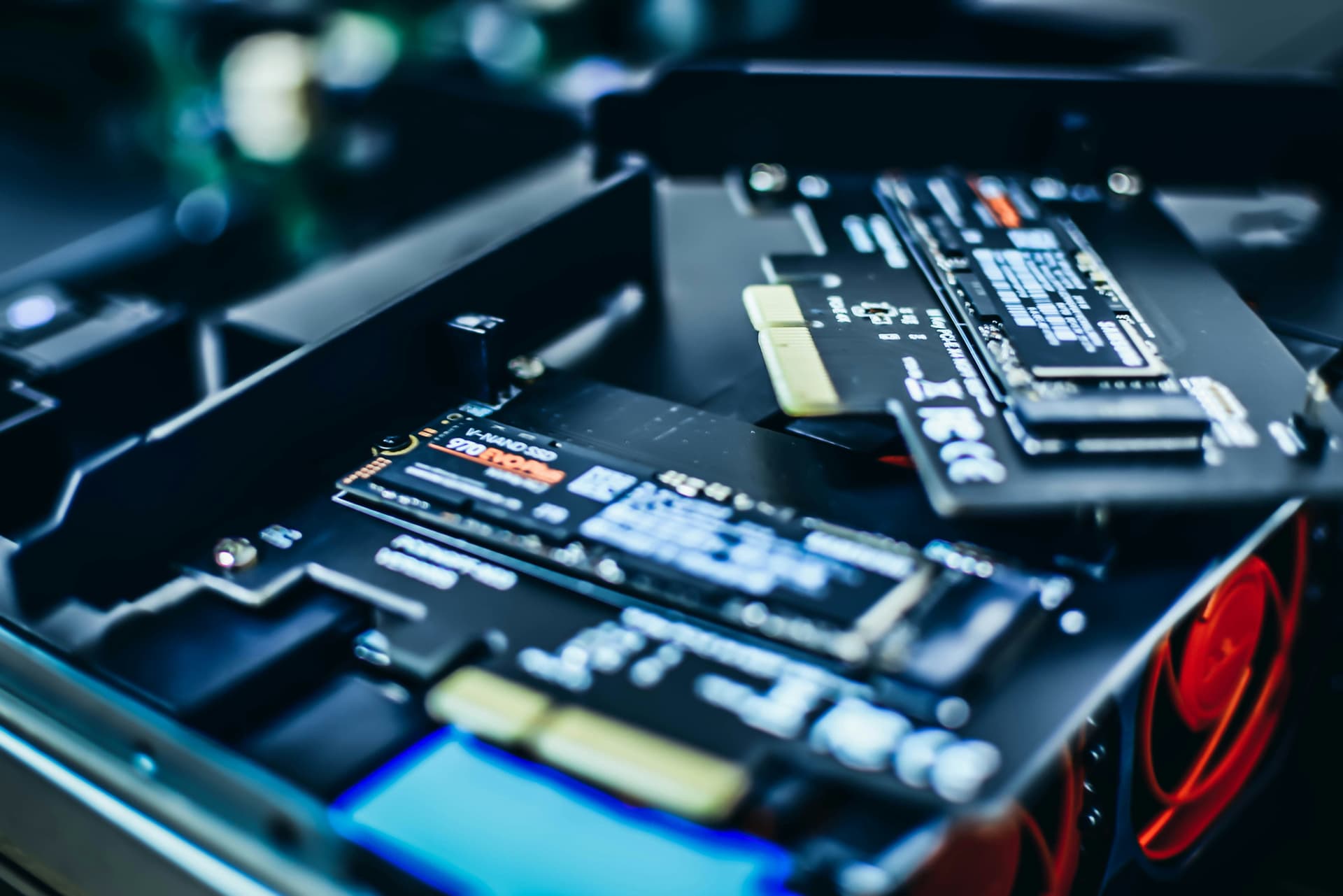
An SSD is essentially a giant version of a USB flash drive. It uses flash memory chips, meaning there are no moving parts. This lack of friction leads to incredible performance gains.
| Feature | SSD | HDD |
|---|---|---|
| Boot Time | ~10-15 Seconds | ~40-60 Seconds |
| Read/Write Speed | 500MB/s to 7000MB/s | 80MB/s to 160MB/s |
| Vibration/Noise | None | Mechanical Vibration |
For most users today, an SSD is no longer a luxury—it's a necessity. We recommend:
Replacing your old HDD with a modern SSD is the most cost-effective way to make an old laptop feel brand new.
Visit Divvy Computronix in Nehru Place today for a professional SSD upgrade and data migration.
Yes, most laptops with a 2.5-inch SATA HDD can be easily upgraded to a SATA SSD. Modern laptops may also support M.2 NVMe slots for even faster speeds.
No, an SSD does not affect internet speed, but it will make your browser open faster and handle multiple tabs much more smoothly.

Prakash Kumar is a tech entrepreneur and founder of Divvy Computronix, a trusted laptop and MacBook repair center in Nehru Place, Delhi. With a deep passion for hardware diagnostics, performance optimization, and user-focused service, Divye writes to help people better understand and care for their tech.